Tools
Working with Sym
Transform Tool
Move, scale and rotate what you've selected — or snap it onto another edge.
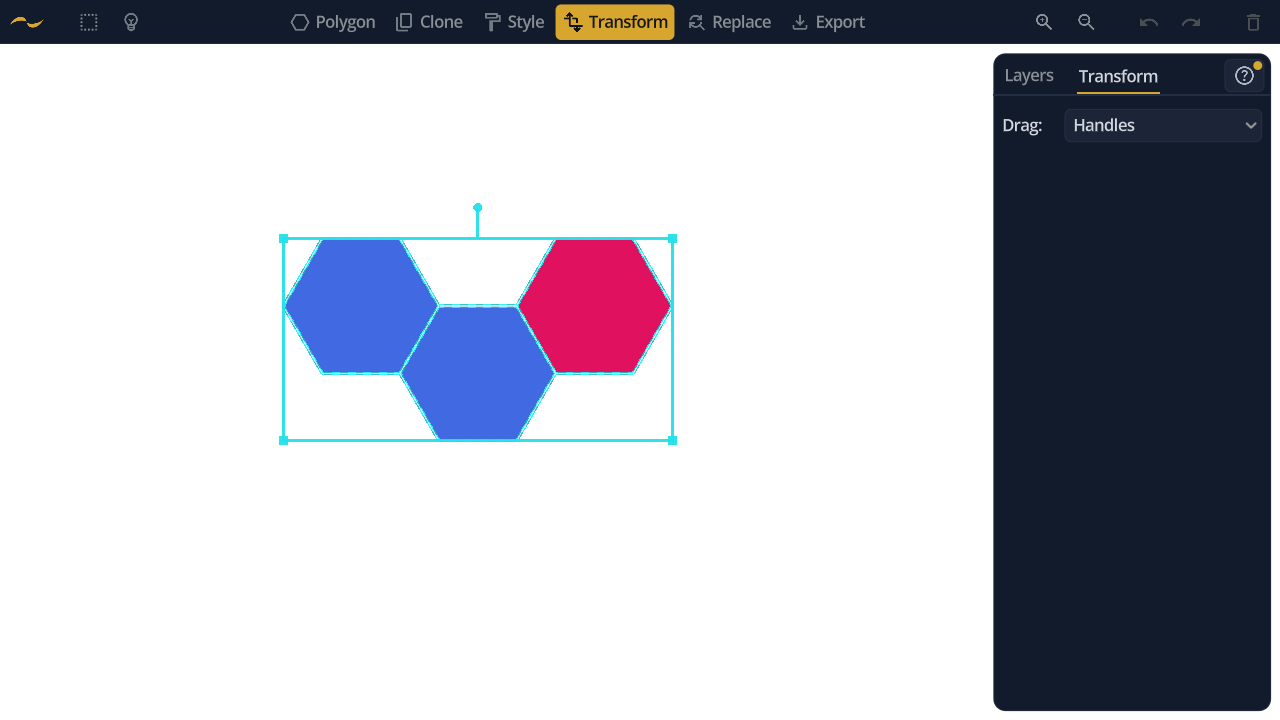
What Transform moves is decided by the selection, so the two are used together constantly.
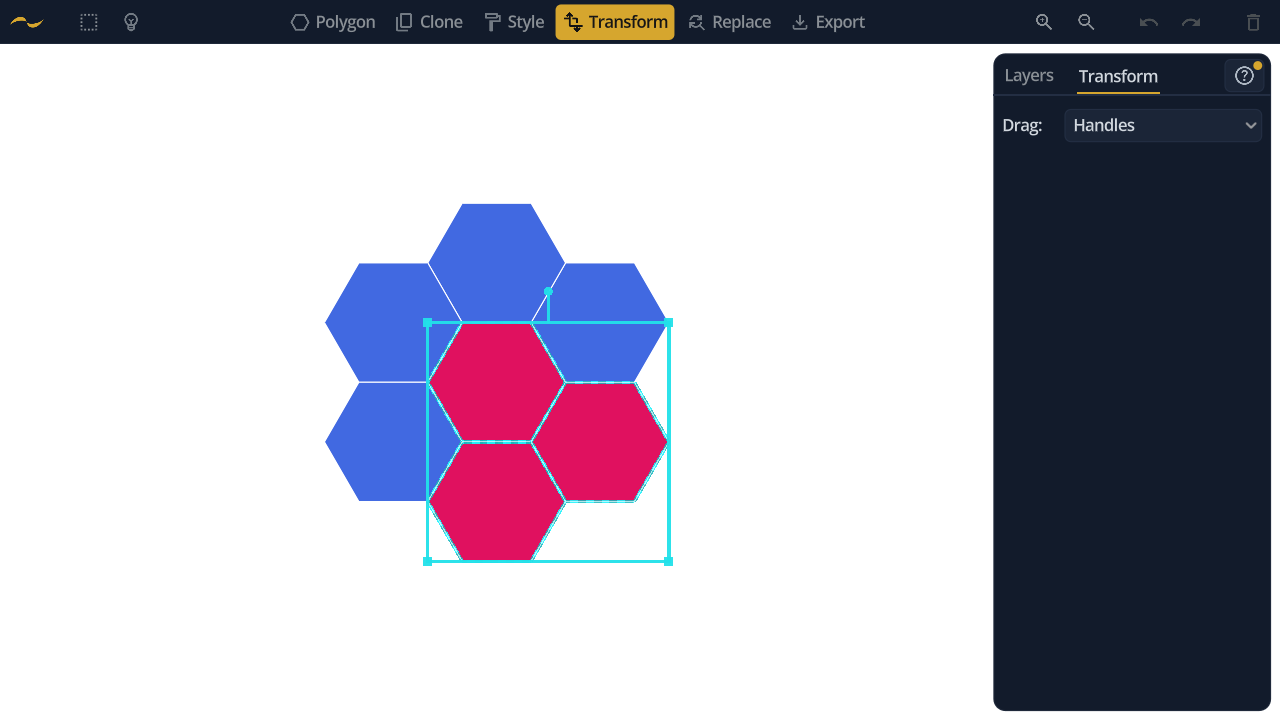
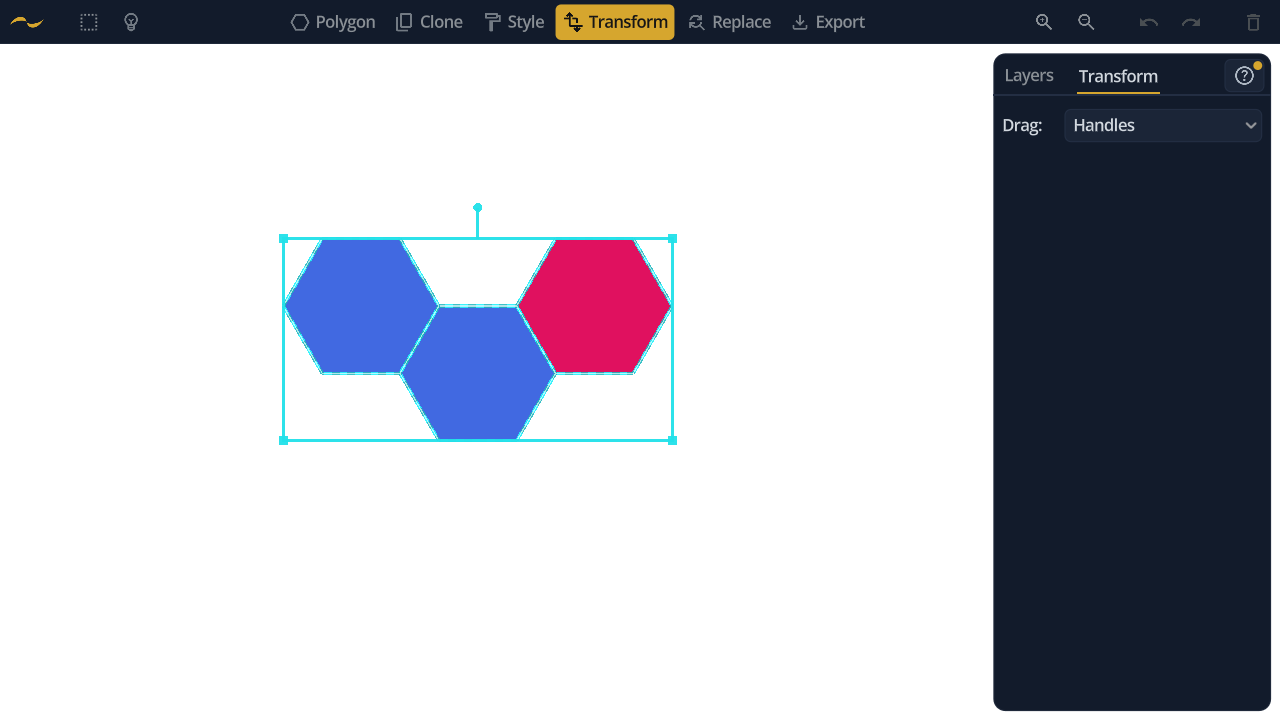
With shapes selected, the box wraps exactly those shapes and moves them as one rigid group: they keep their positions relative to each other, and everything else on the layer stays where it is. That is how you turn or resize a motif inside a pattern without taking the pattern apart.
The box is drawn around the selection's bounds, so unselected shapes can sit inside it. They are not along for the ride — membership comes from the selection, never from the box.
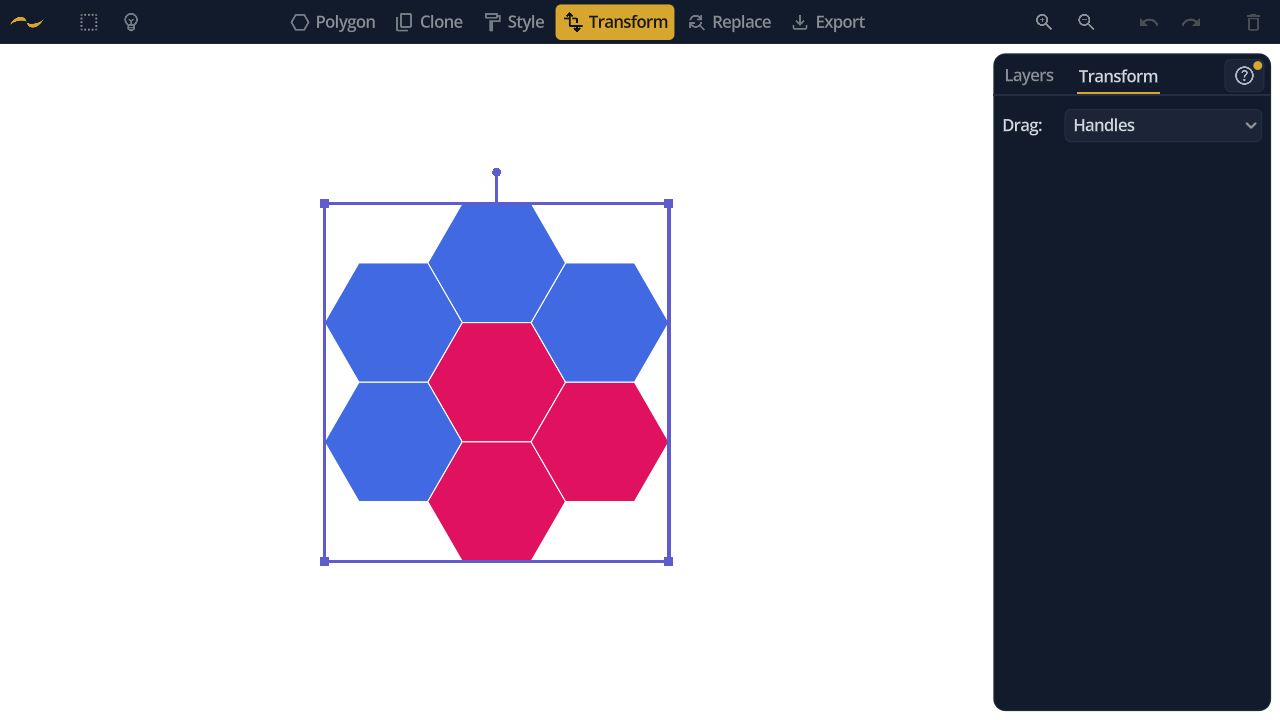
With nothing selected the box turns violet and takes the whole active layer, which is how you reposition a layer's entire contents without selecting anything first. Other layers are untouched either way.
Building the selection is worth doing with the extend actions: Select All of Same Type picks up every hexagon on the layer, Select All of Same Style every shape sharing a look, and one drag then moves all of them. Pasted shapes also arrive selected with Transform already active, ready to place. See Selection for the full set.
A bounding box appears around the selection. Drag inside it to move, drag a corner to scale, and drag the stem above the box to rotate. Scaling pivots on the opposite corner, so the corner you aren't holding stays where it is.
Instead of the bounding box, grab the selection by one of its own edges and drop it onto an edge elsewhere on the canvas. The selection rotates and rescales so the two edges line up exactly — the same snapping the Polygon tool uses, applied to a whole group.
The two modes are mutually exclusive: an edge drag rewrites position, scale and rotation together, so the handles step aside while it is active.