Docs
Tools
Working with Sym
Export Tool
Frame the part of the canvas you want and save it as a PNG or an SVG.
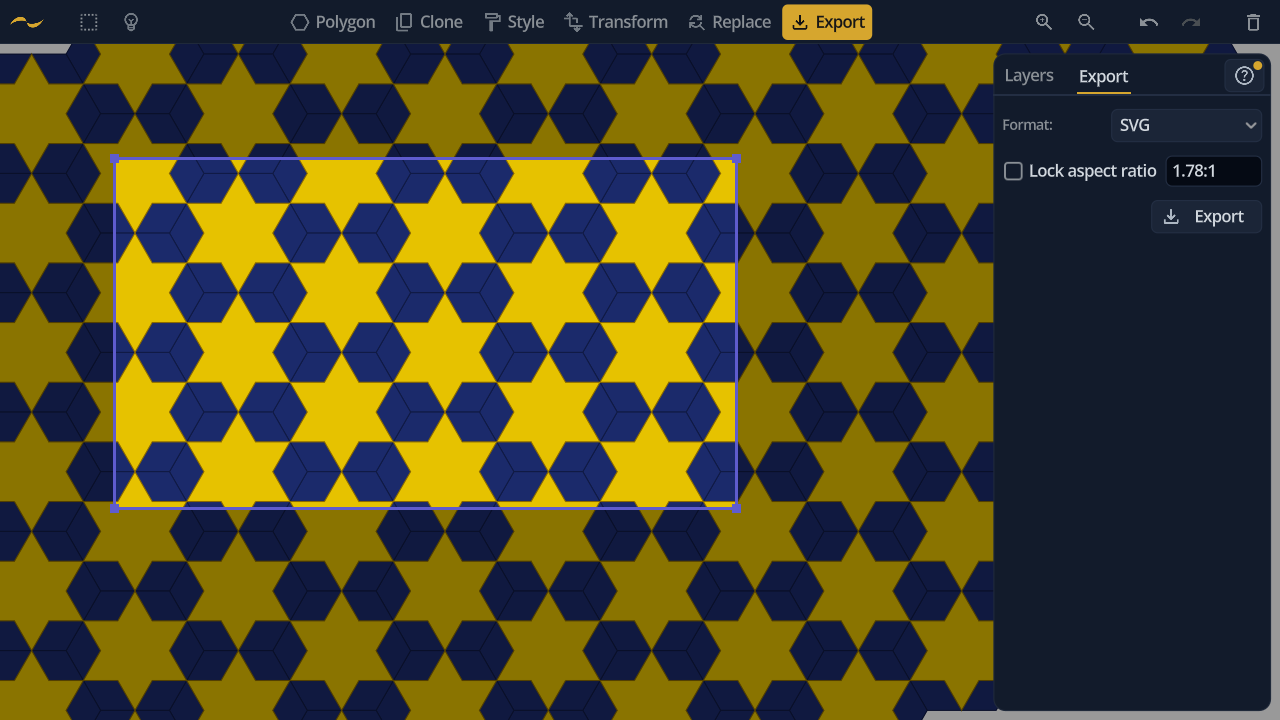
Put the frame where you want it, choose a Format, then press Export and pick where to save the file.
The Export Frame
Rather than picking a size in a dialog, you drag the frame directly on the canvas. Everything outside it dims, so what you see inside the frame is exactly what lands in the file. Drag inside the frame to move it, or a corner to resize it.
Aspect Ratio
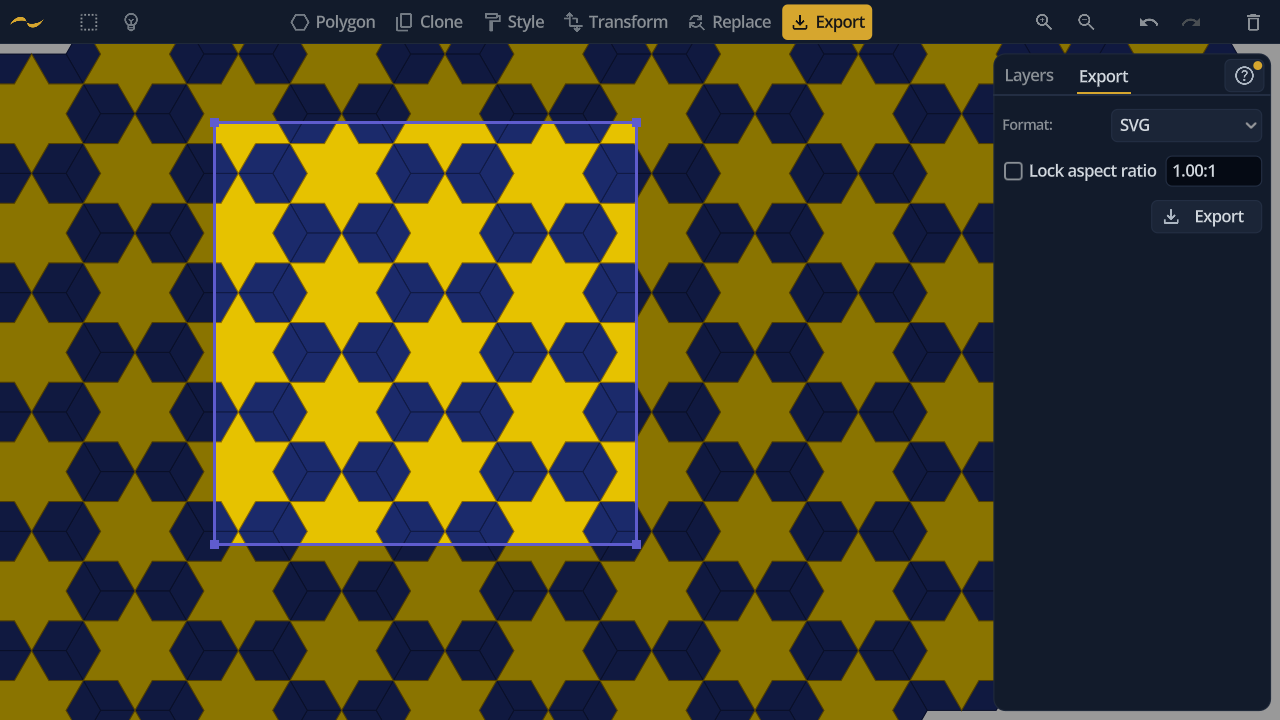
Corner drags are free unless you tick Lock aspect ratio. Enter a ratio — 16:9 or 1.5 — and the frame reshapes to match, then holds that shape as you drag.