Tools
Working with Sym
Style Tool
Apply fill styles and colours to individual polygons or groups.
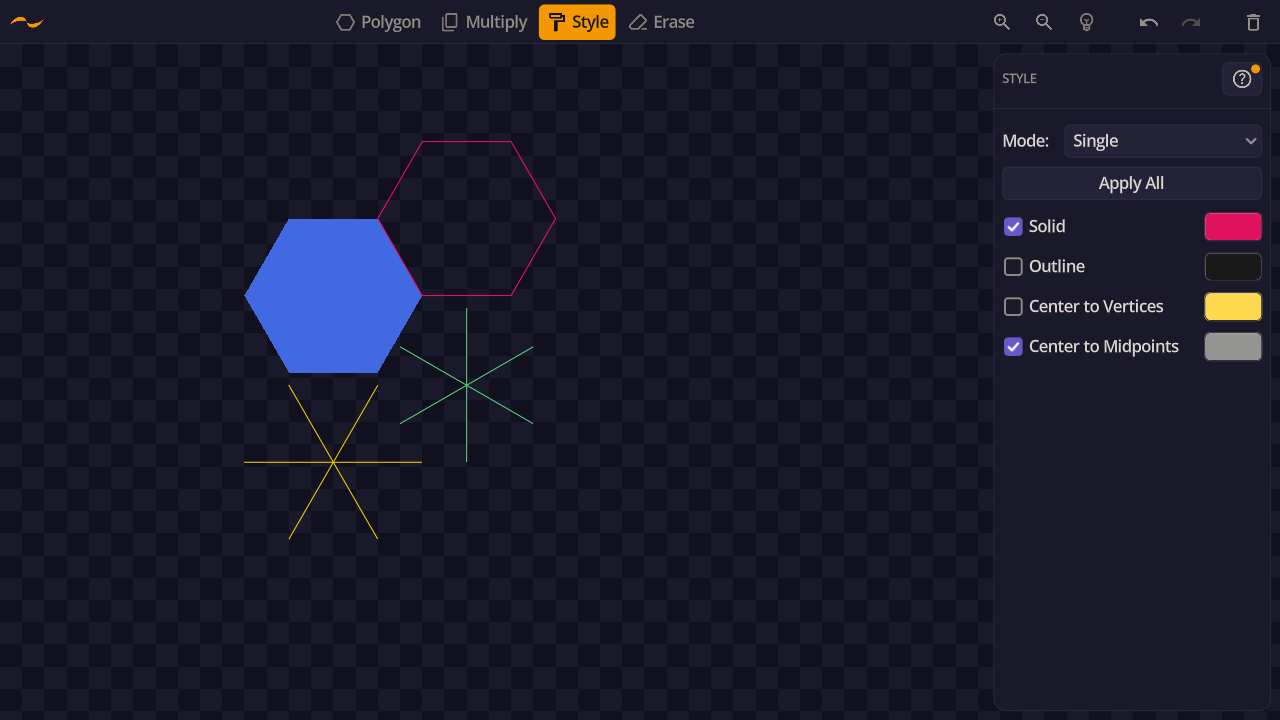
Each polygon can use one or more styles at the same time. Enable the styles you want in the panel, pick a colour for each, and click a polygon to apply.
- Solid — fills the polygon with a solid colour.
- Outline — draws only the polygon border.
- Vertex Spokes — draws lines from the centre to each vertex.
- Edge Spokes — draws lines from the centre to each edge midpoint.
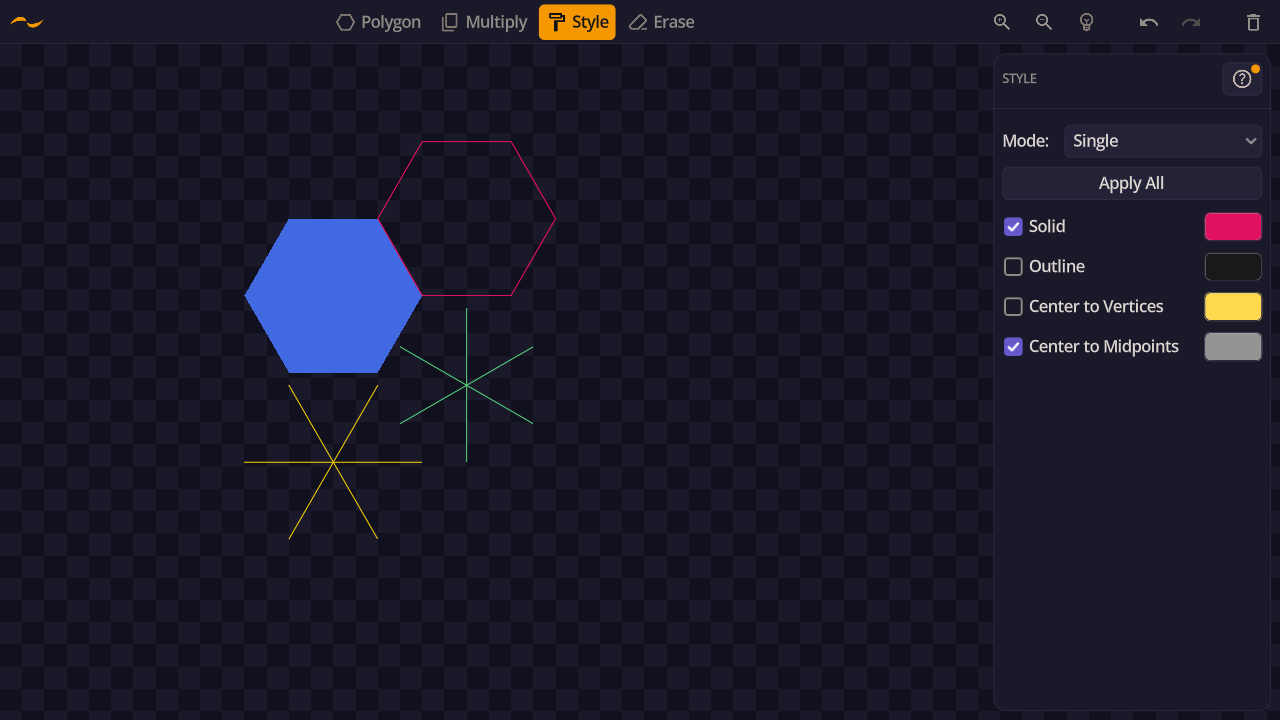
Enable multiple styles at the same time to layer them on a single polygon. All checked styles are applied together when you click.
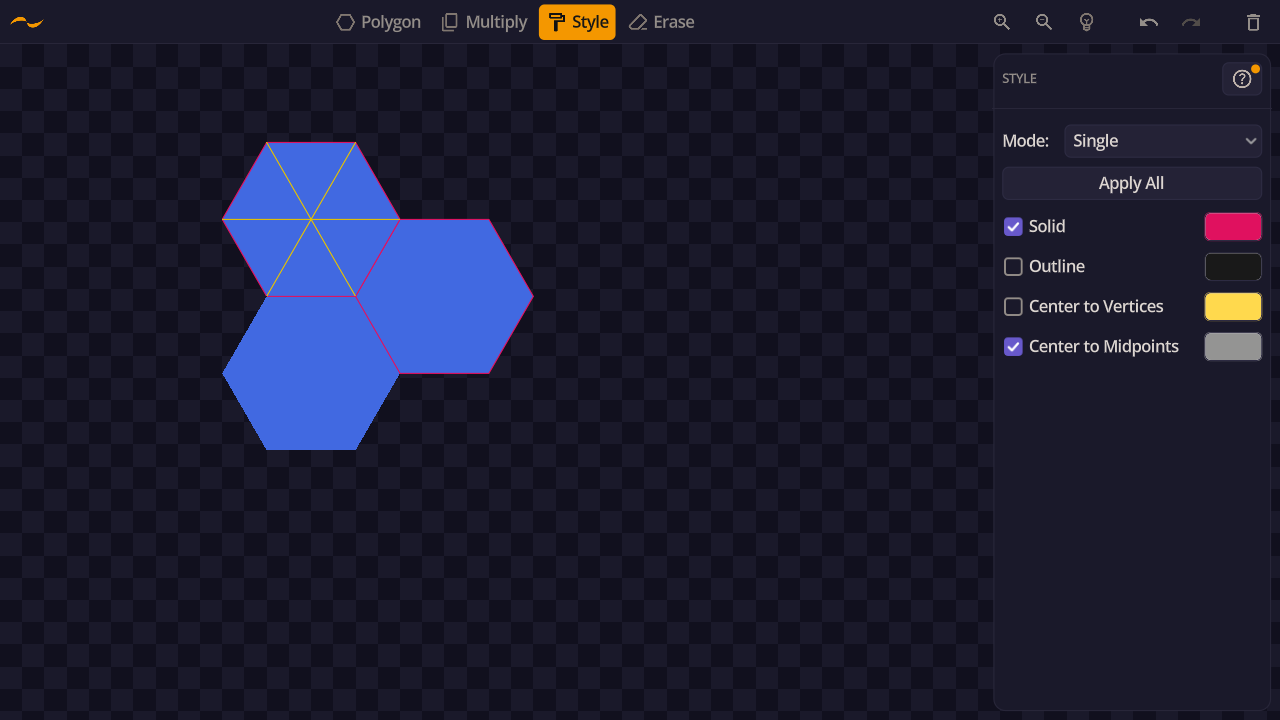
The eyedropper takes a style off a shape you already like and loads it into the panel, so you can reuse it without rebuilding it by hand. Arm it, click a shape, and every option and colour in the panel changes to match — the more layers the shape carries, the more work that saves.
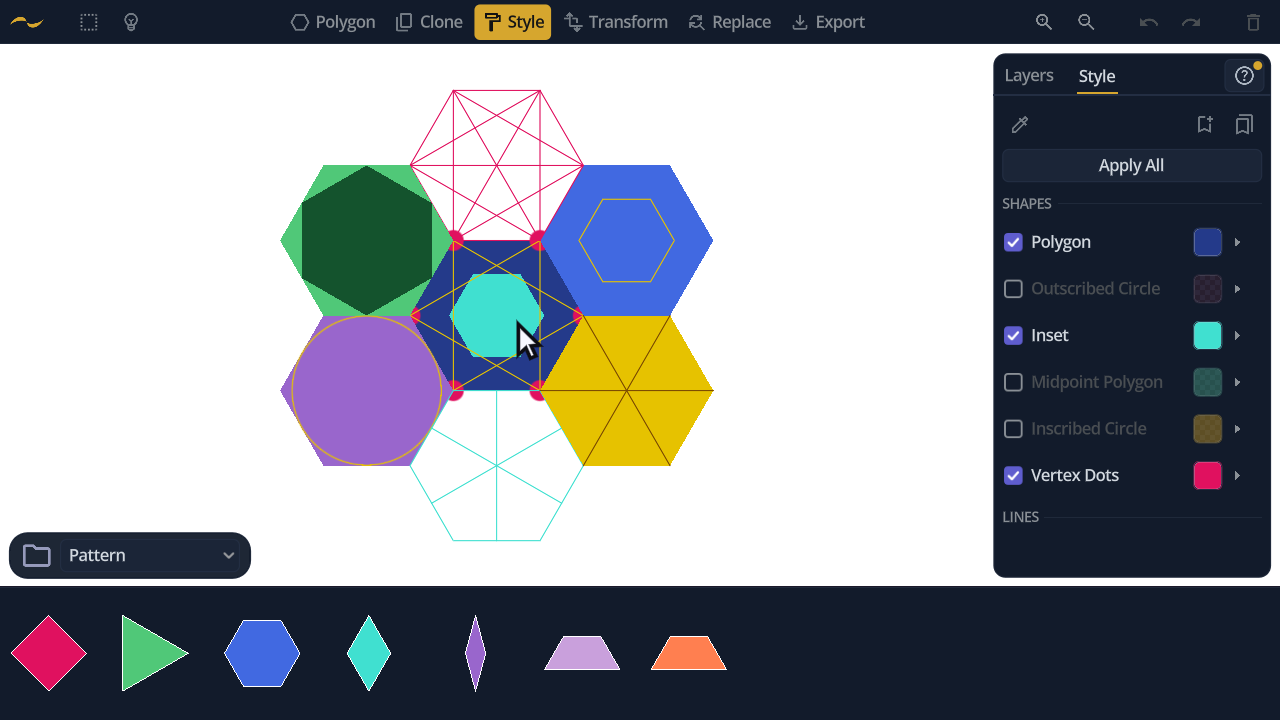
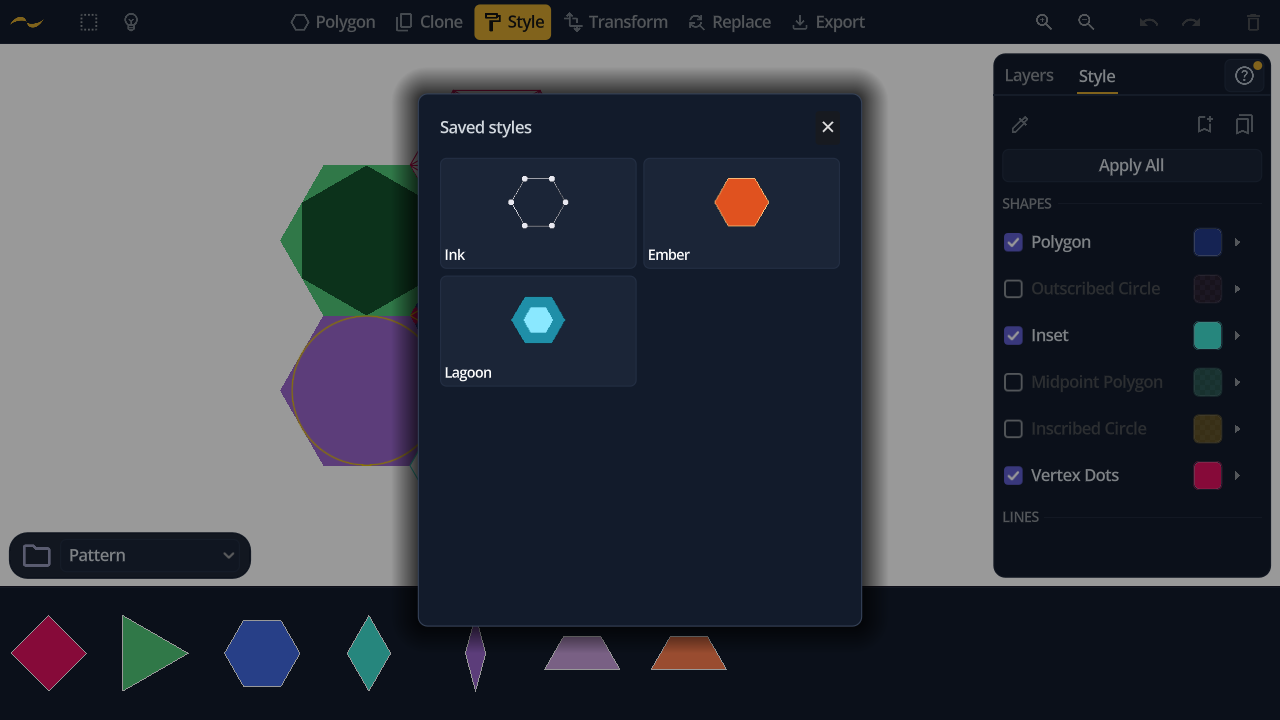
A combination worth keeping can be saved as a named set. Saved sets live in their own gallery, each previewed as a shape rendered in that style, so you pick by eye rather than by name. Applying one loads it back into the panel, ready to use or adjust.
Sets can be renamed, duplicated, reordered and deleted, and they persist between sessions.
When shapes are selected, the Style tool works on the selection instead of the one polygon you click. To restyle every hexagon at once, select one and use Select All of Same Type; to restyle everything sharing a look, use Select All of Same Style. Both live on the selection pill — see Selection.
The Apply All button applies the current style and colour to every polygon on the canvas — or to just the selection, when there is one.