Tools
Working with Sym
New Poly
Trace a shape the palette doesn't have from points on the shapes already on your canvas.
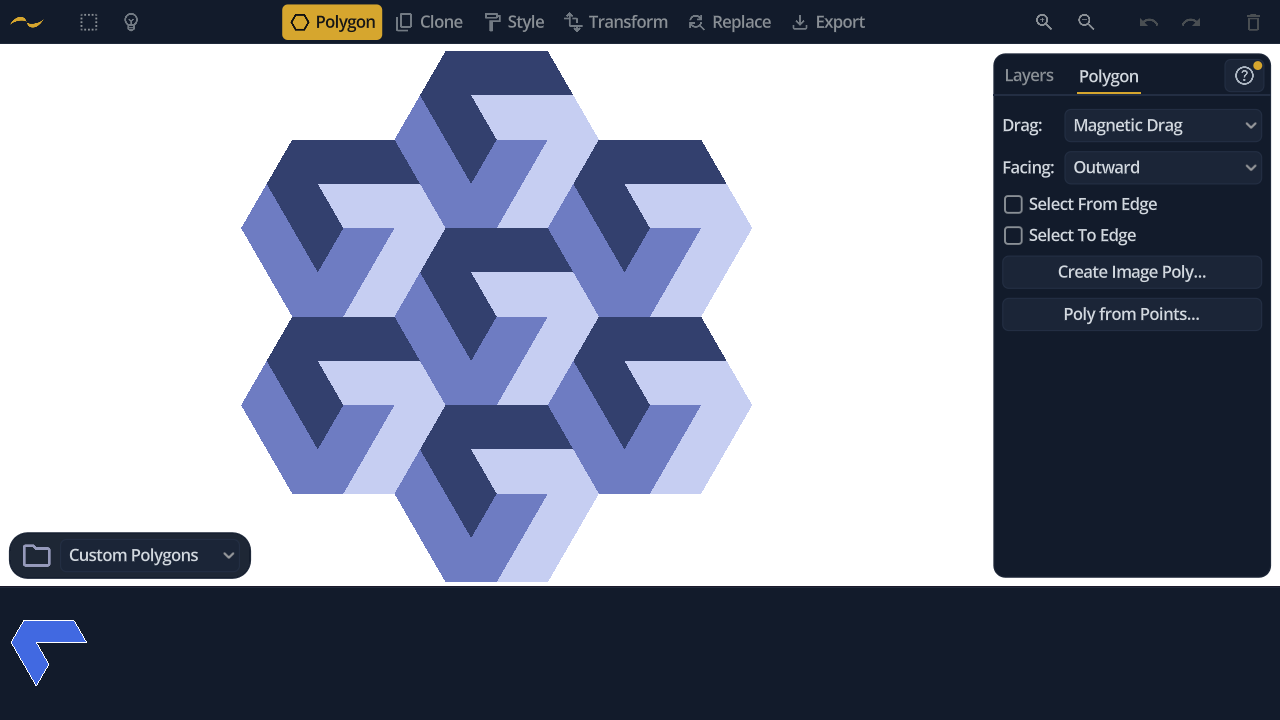
Open it from Poly from Points… in the Polygon tool's panel.
Points light up on the shapes already on the canvas. Click them in order to trace an outline, then click the first one again to close it.
Every point comes from geometry that is already there, so the traced shape fits it exactly. Corners and cell centres alone are enough for the hooked seven-sided tile below — nothing the palette holds, and nothing that could be eyeballed.
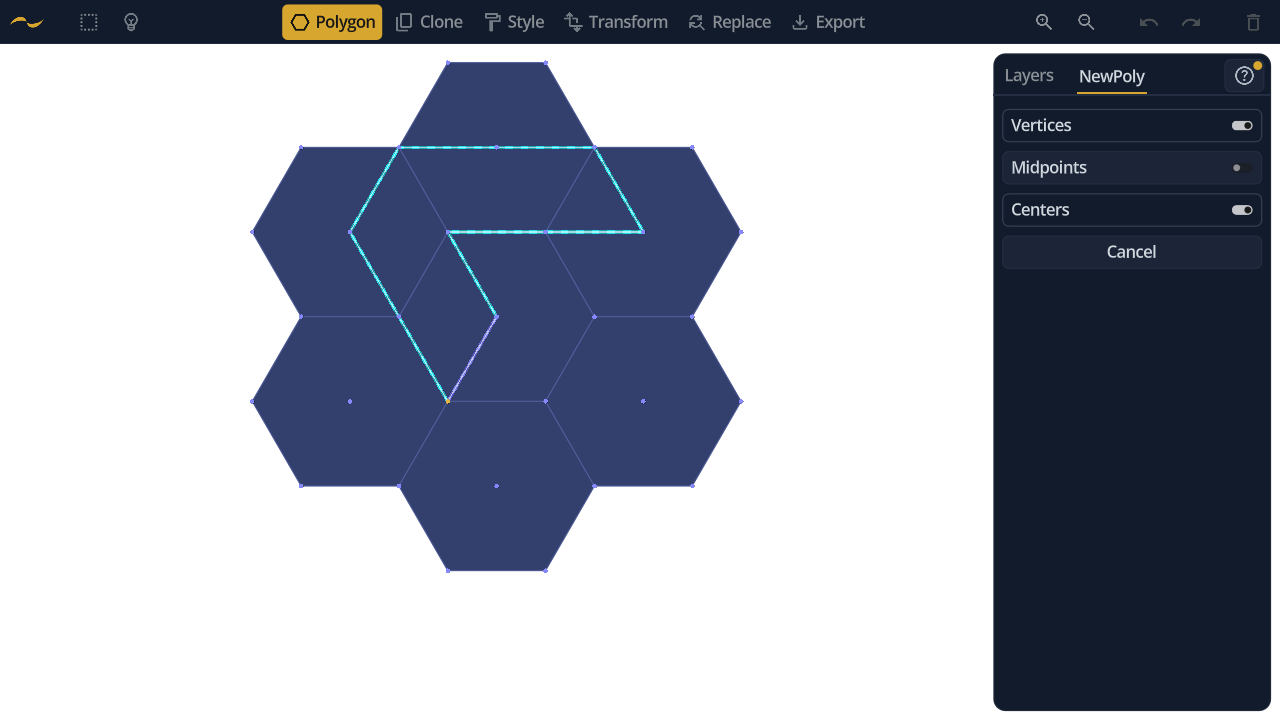
Closing the outline saves the shape to the palette under Custom Polygons, with a colour of its own. Your canvas is left exactly as it was — the trace lifts off it and becomes a card.
From there it behaves like any other shape: drag out copies, snap them edge to edge, and style them. Three of these tiles fill a hexagon, and a honeycomb of those hexagons is the interlocking pattern at the top of this page.
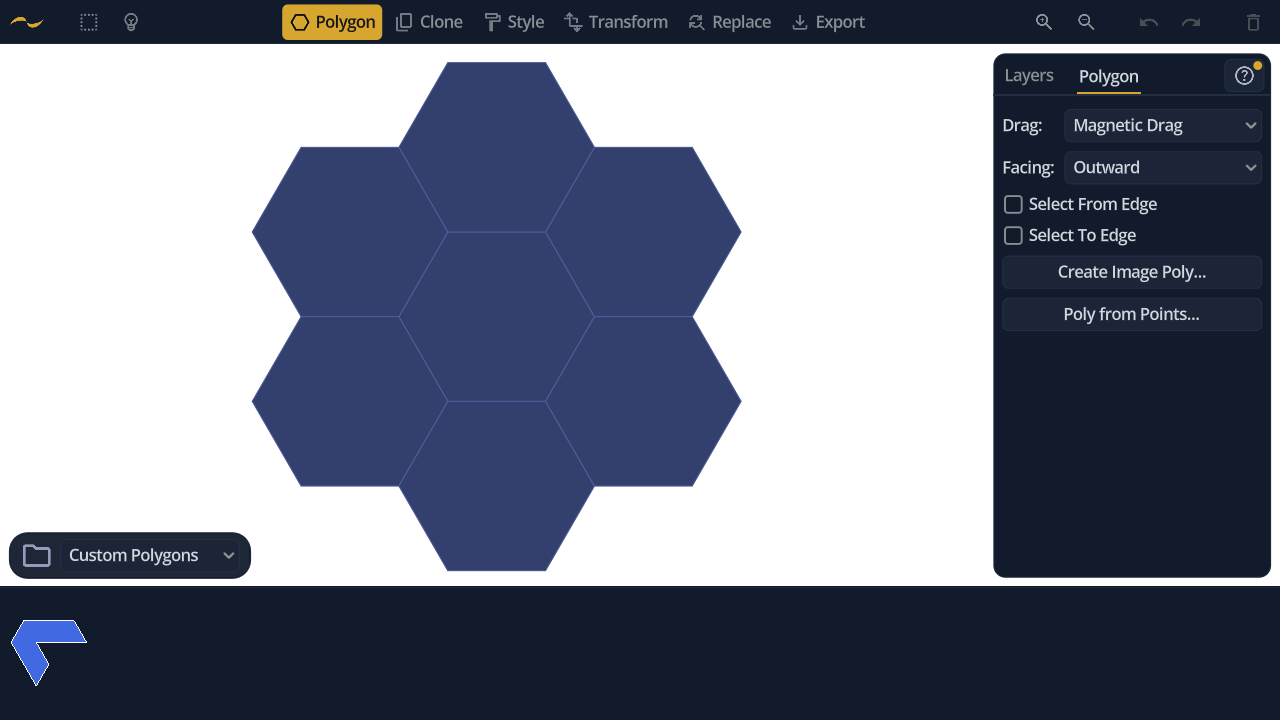
Three kinds of point can be offered, each toggled independently.
- Vertices — the corners of each shape.
- Midpoints — the centre of each edge.
- Centers — each shape's centre.