Tools
Working with Sym
Image Poly
Trace a reference image into shapes that carry pieces of that image as their fill.
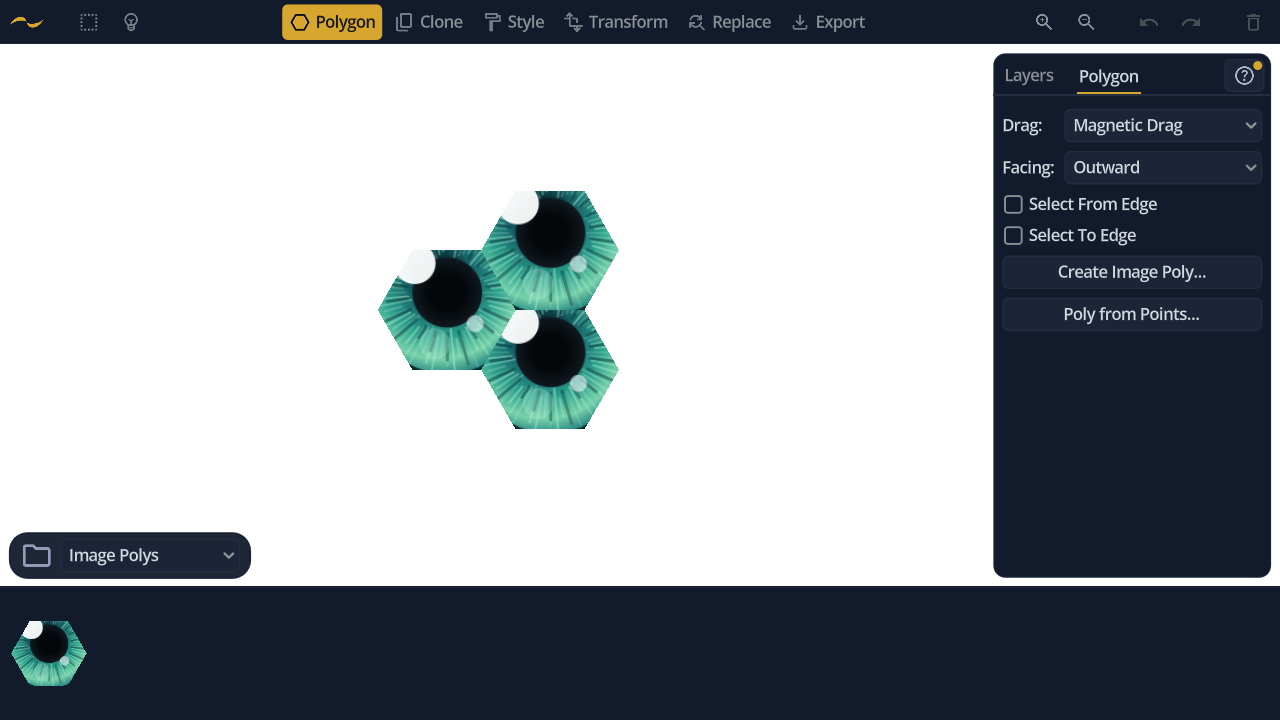
Open it from Create Image Poly… in the Polygon tool's panel, or press I. Like New Poly, it authors a shape rather than being a mode you stay in, so it has no toolbar button.
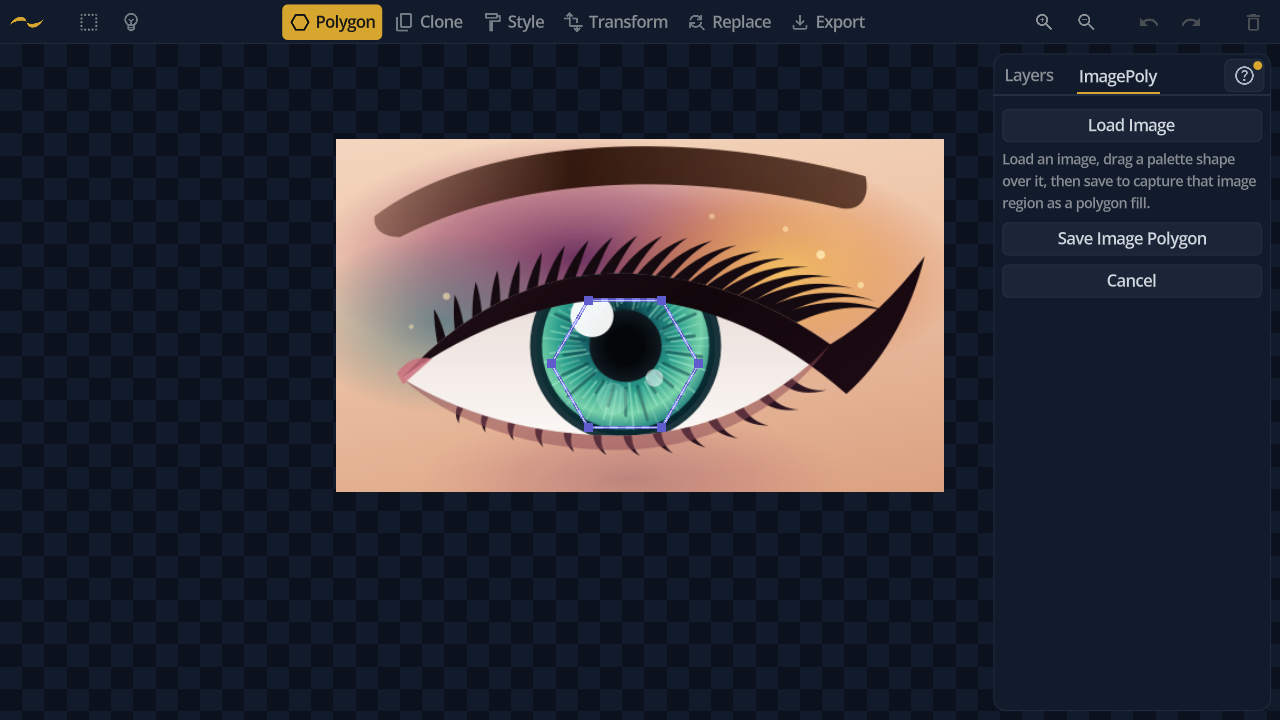
Load a reference image and it appears on its own layer beneath your work. Your canvas is hidden while you trace, so nothing competes with the reference.
Draw shapes over the parts you want to keep. Each one takes the image beneath it as its fill, clipped to its outline — so a traced shape carries real image detail rather than a flat colour.
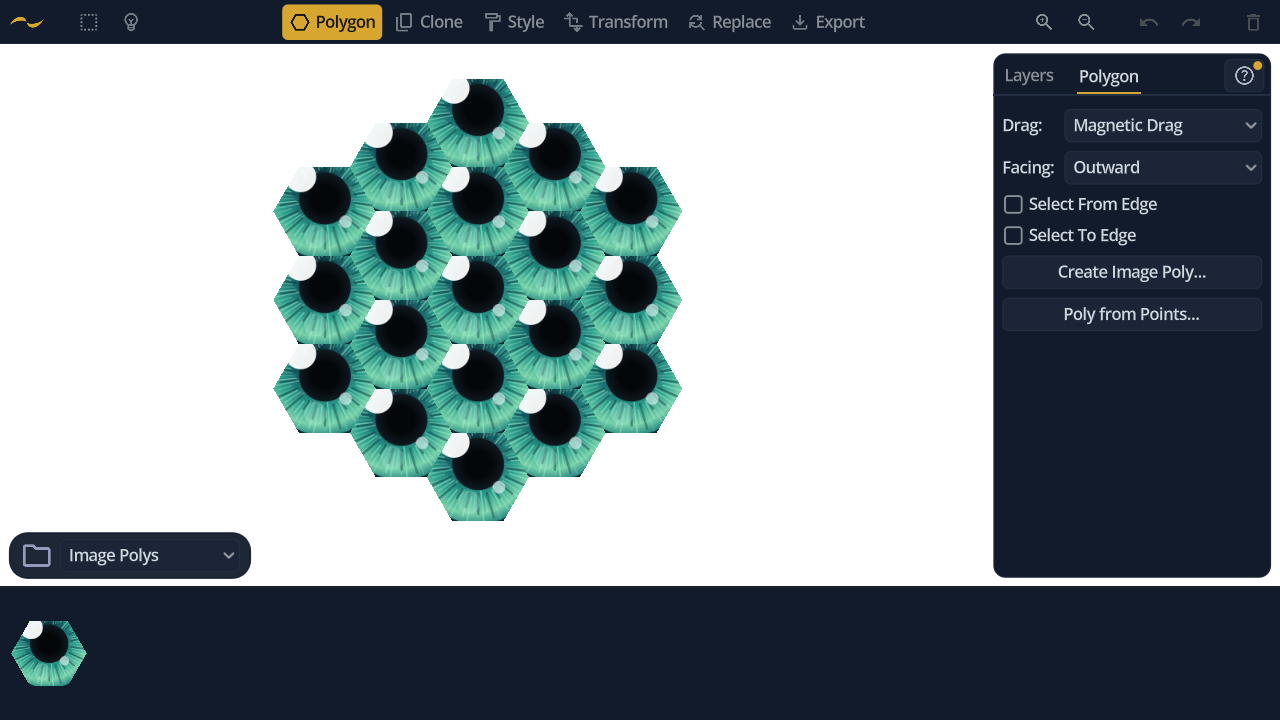
Saving adds the traced shape to the polygon palette, where it behaves like any other shape — drag out copies, snap them edge to edge, and clone them into patterns, image fill and all.
Image fills survive export: PNG renders them directly, and SVG embeds them as clipped bitmaps, so a traced pattern exports faithfully in either format.