Tools
Working with Sym
Clone Tool
Repeat shapes around the canvas by picking two edges.
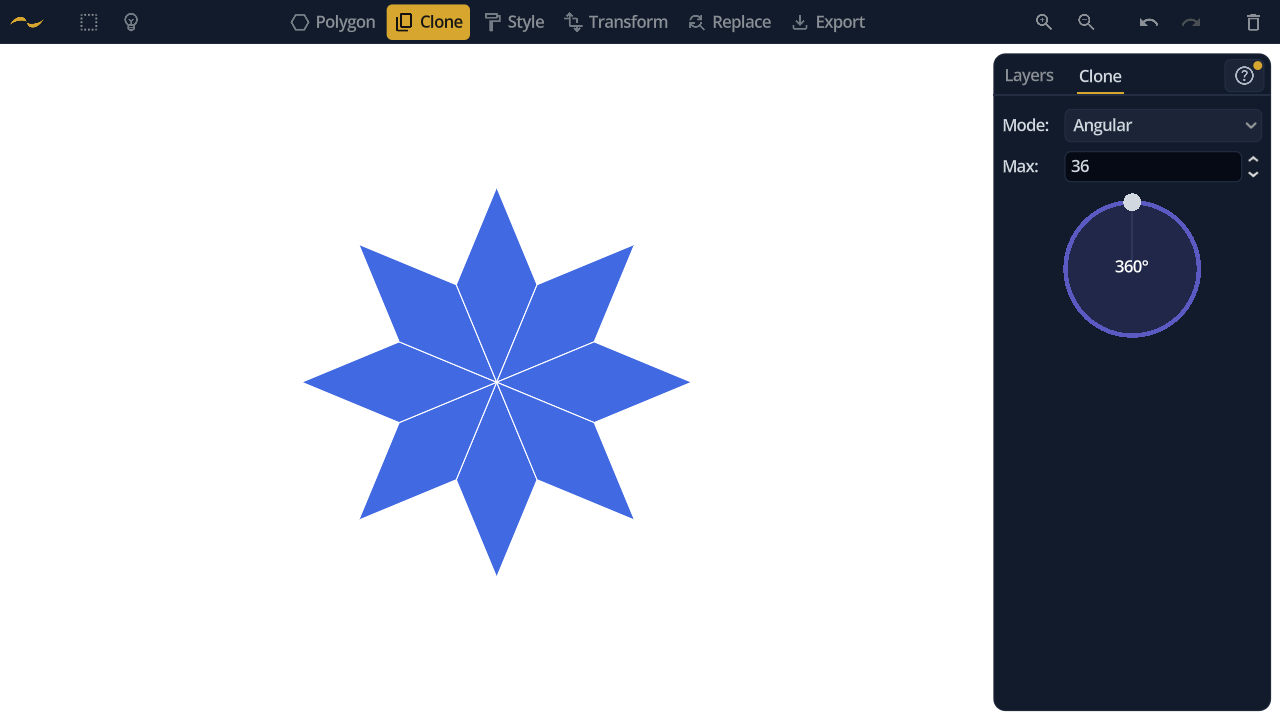
Two edges define a movement: the rotation, scale and shift that would carry the first edge onto the second. Clone applies that movement over and over, so a single pair of clicks turns one shape into a pattern.
1. Click an edge to select it.
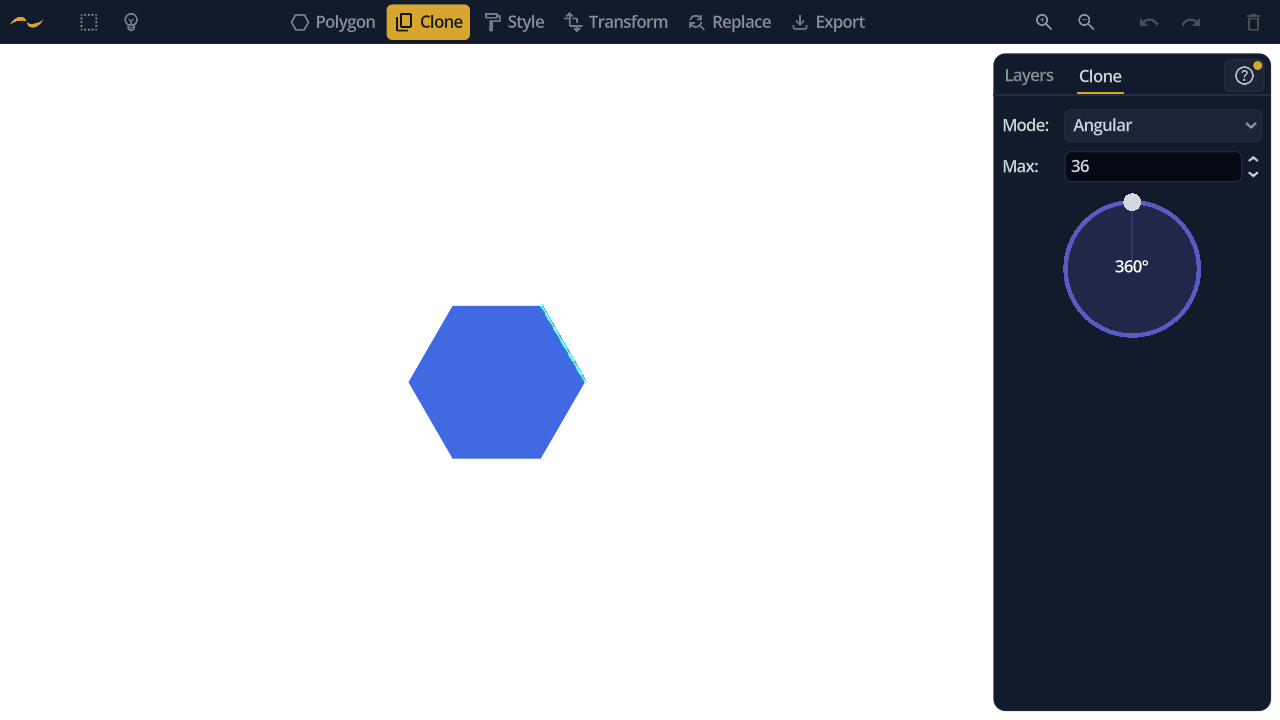
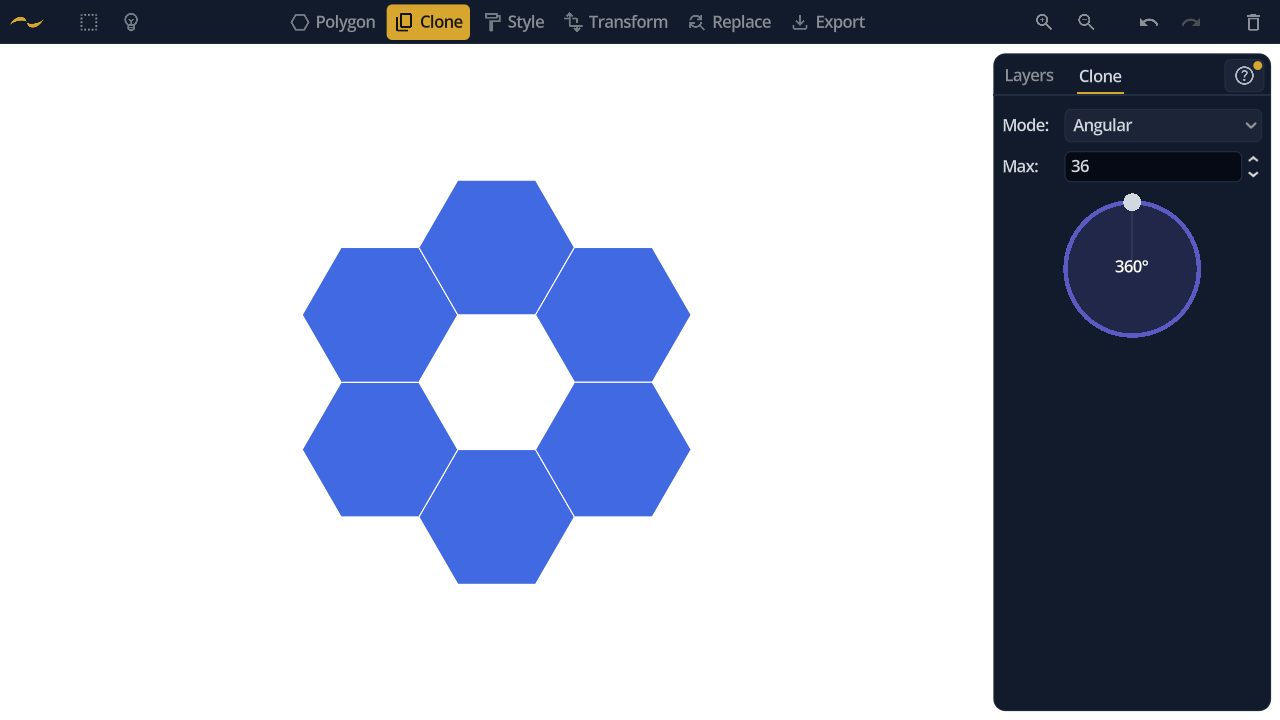
2. Click a second edge. Copies follow the movement between them.
With a selection active, Clone repeats the whole selection rather than the single shape the edges belong to — the way to clone a motif instead of one tile.
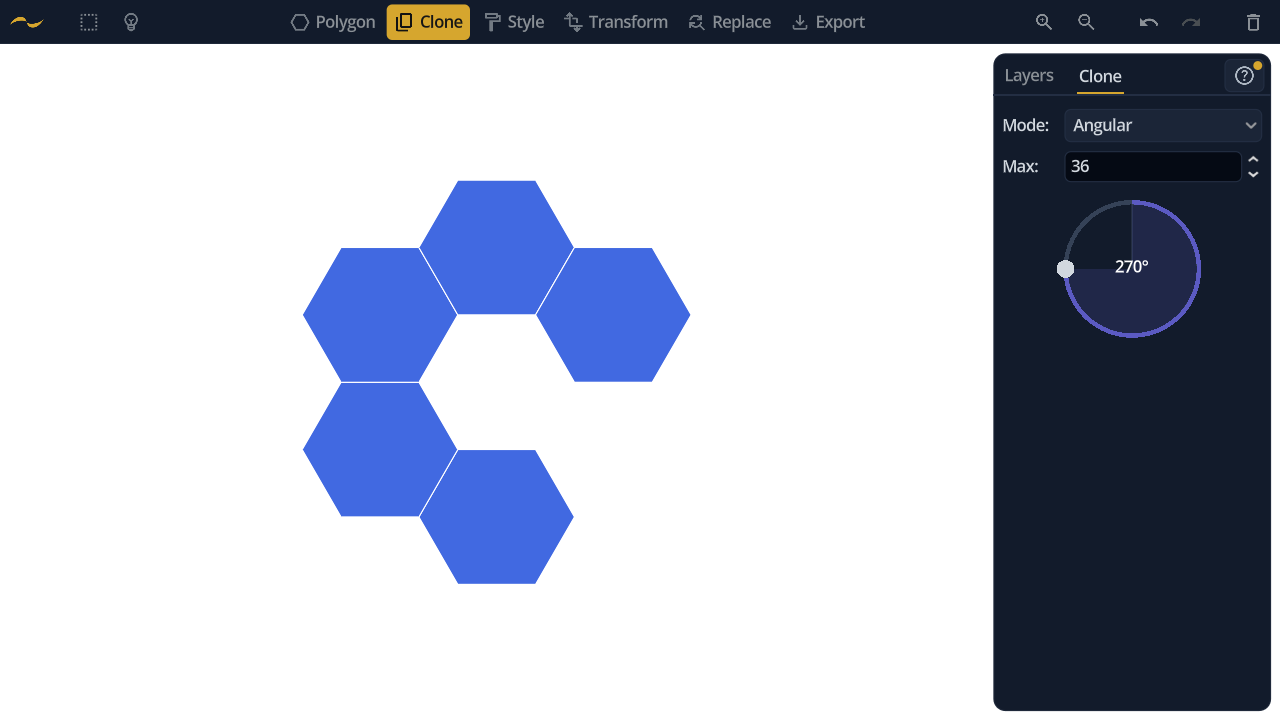
Copies are placed at equal angular steps and sweep round until they reach the angle limit. Set that limit on the dial: a full 360° closes the ring, while something like 270° leaves it open.
Max caps how many copies can be produced, whatever the angle works out to — a guard against a very small angle filling the canvas with thousands of shapes.
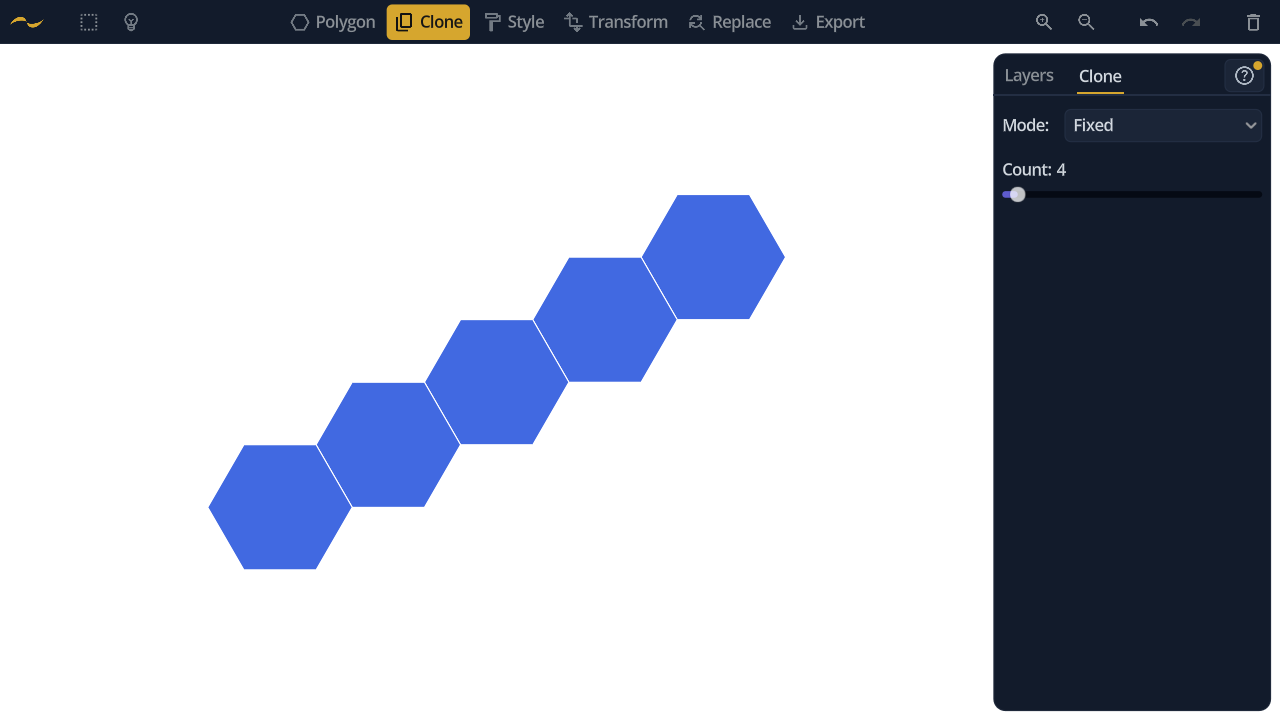
Fixed mode makes exactly the number of copies you ask for, ignoring the angle entirely. Use the Count slider to choose how many. This is what you want when the two edges describe a step along a line rather than a turn around a centre.