Tools
Multiply Tool
Duplicate polygons along shared edges with angular or fixed repetition.
How It Works
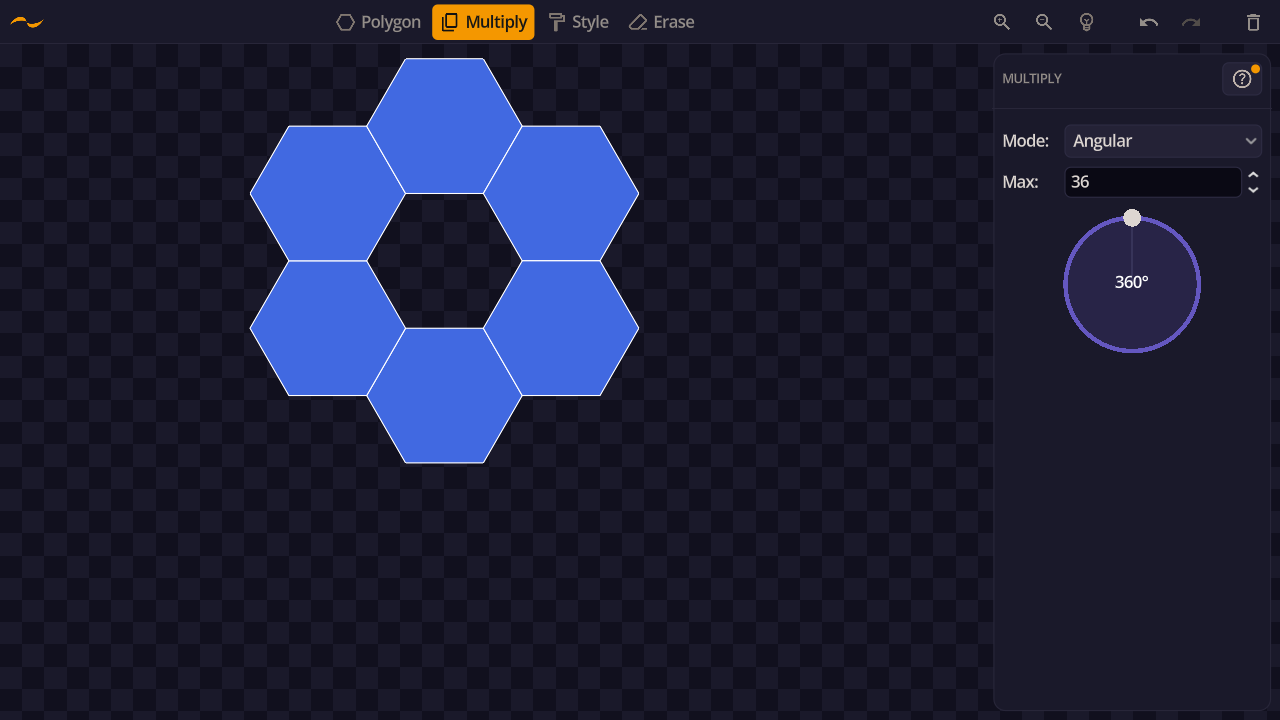
Select two edges on a polygon to define a transformation. The tool creates copies by applying that transformation repeatedly.
1. Click an edge on a polygon to select it.
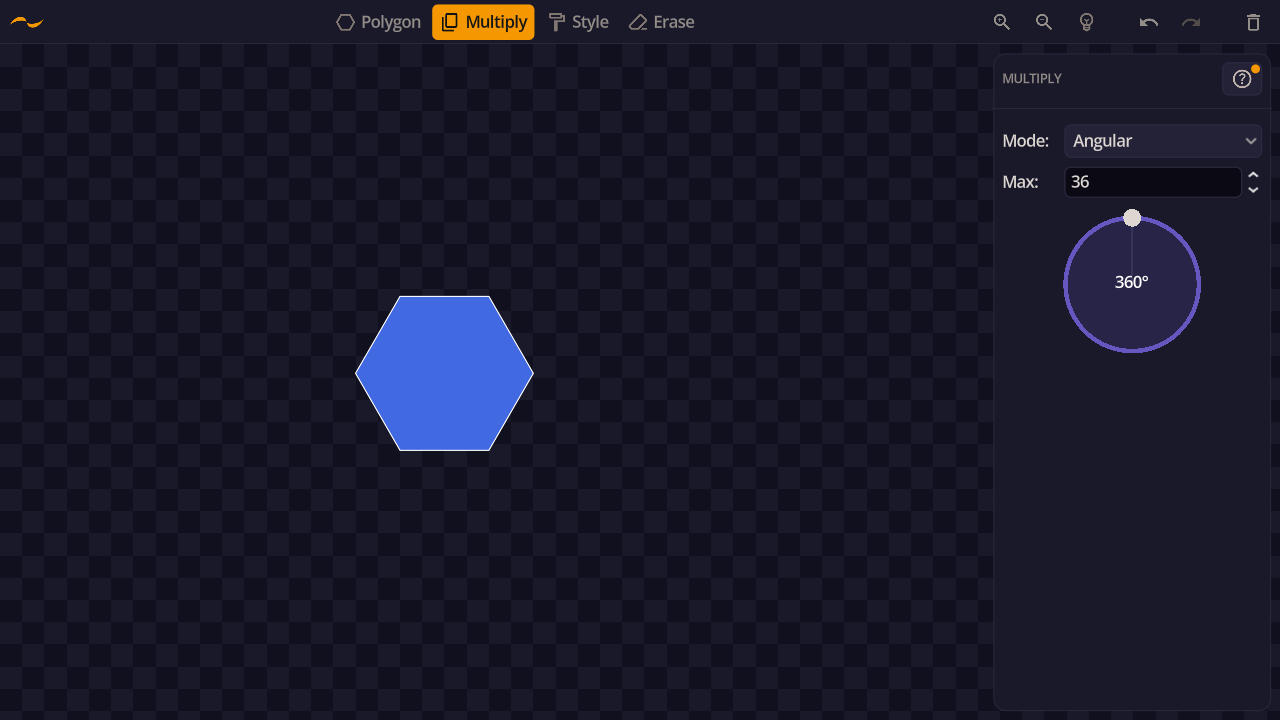
2. Click a second edge. Copies are generated from the transformation between the two edges.
Angular Mode
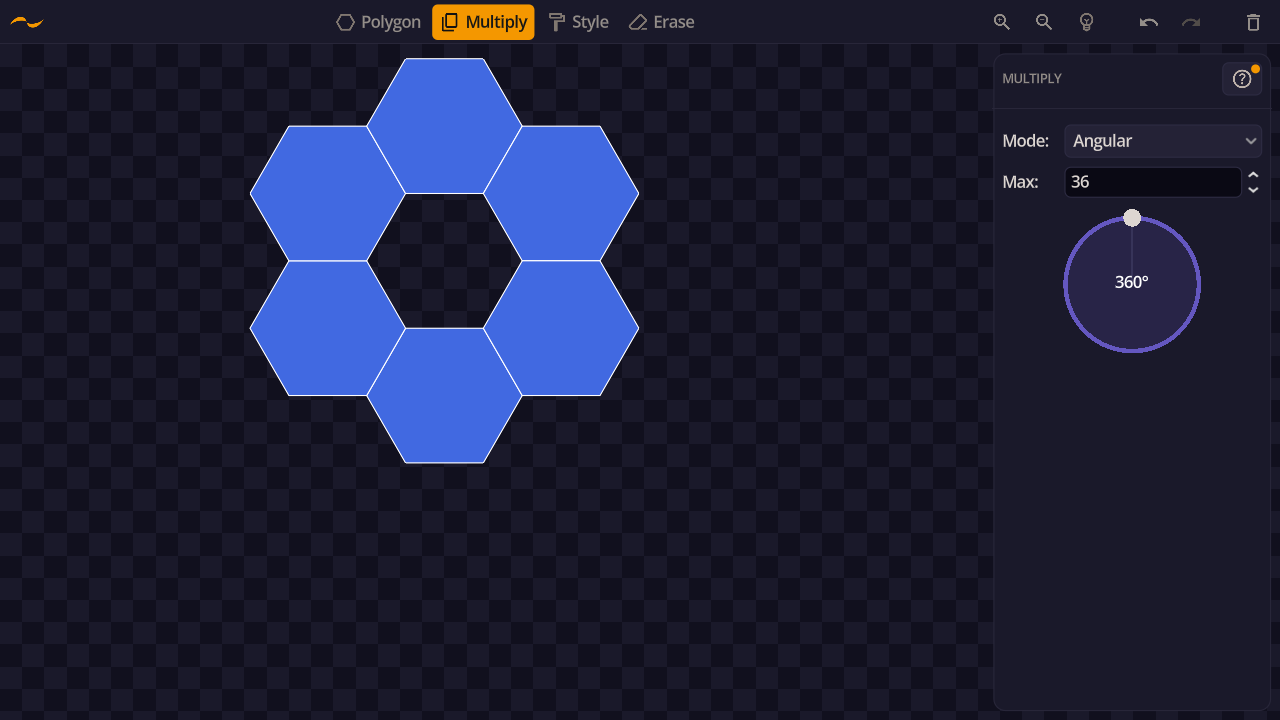
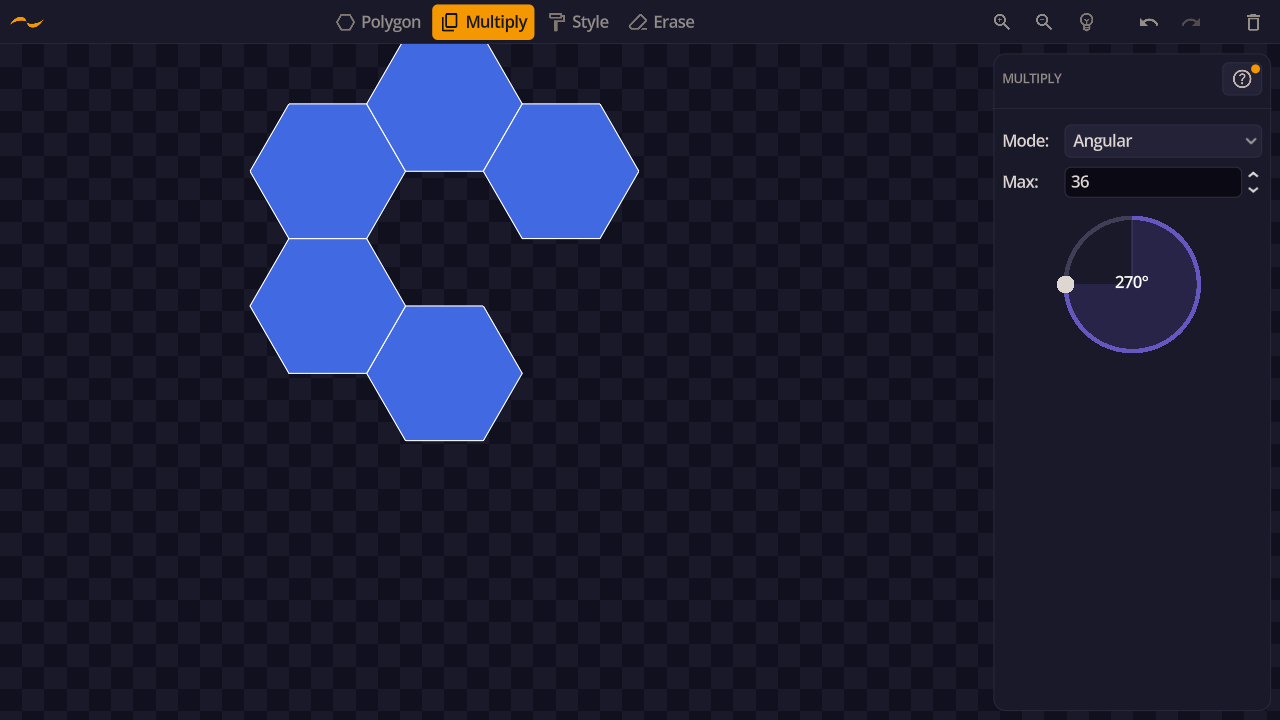
Copies are placed at equal angular intervals between the two selected edges, up to a specified angle limit. The number of copies is determined by how many fit within the angle, capped by the Max value.
Fixed Mode
Creates an exact number of copies regardless of the angle between the selected edges. Use the Count slider to set how many copies to create.